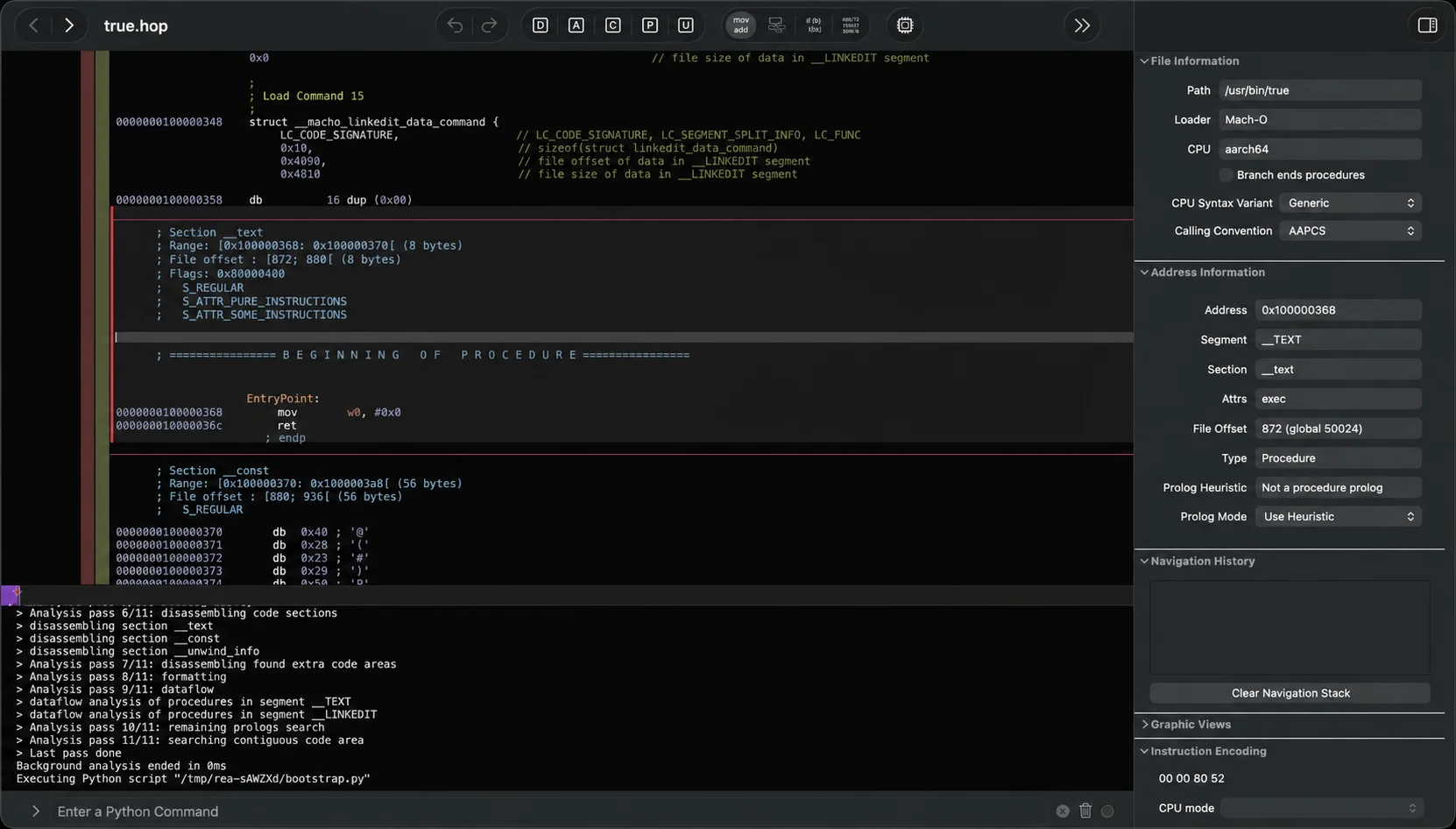

So what is it?
It's an MCP server. Your agent (Claude Code, Codex, Cursor, Gemini CLI, anything that speaks local MCP) gets a set of tools for inspecting software: native binaries, JavaScript and Electron apps, .NET assemblies, Android APKs, websites, network captures, firmware, and a long tail of weird formats. The same tools are available as a rea command in your terminal if you'd rather skip the agent.
REA does not replace Ghidra or IDA. It drives them. When your agent asks about a function, REA launches the right engine, pulls out the pseudocode and references, and hands them back in a structured result. For JavaScript, .NET, Go and Rust binaries, APK signatures and a bunch of other formats it has its own static parsers and needs no engine at all.
Everything runs locally. REA itself uploads nothing, though whatever it returns goes into your agent's context, and that goes wherever your model runs.
How it works
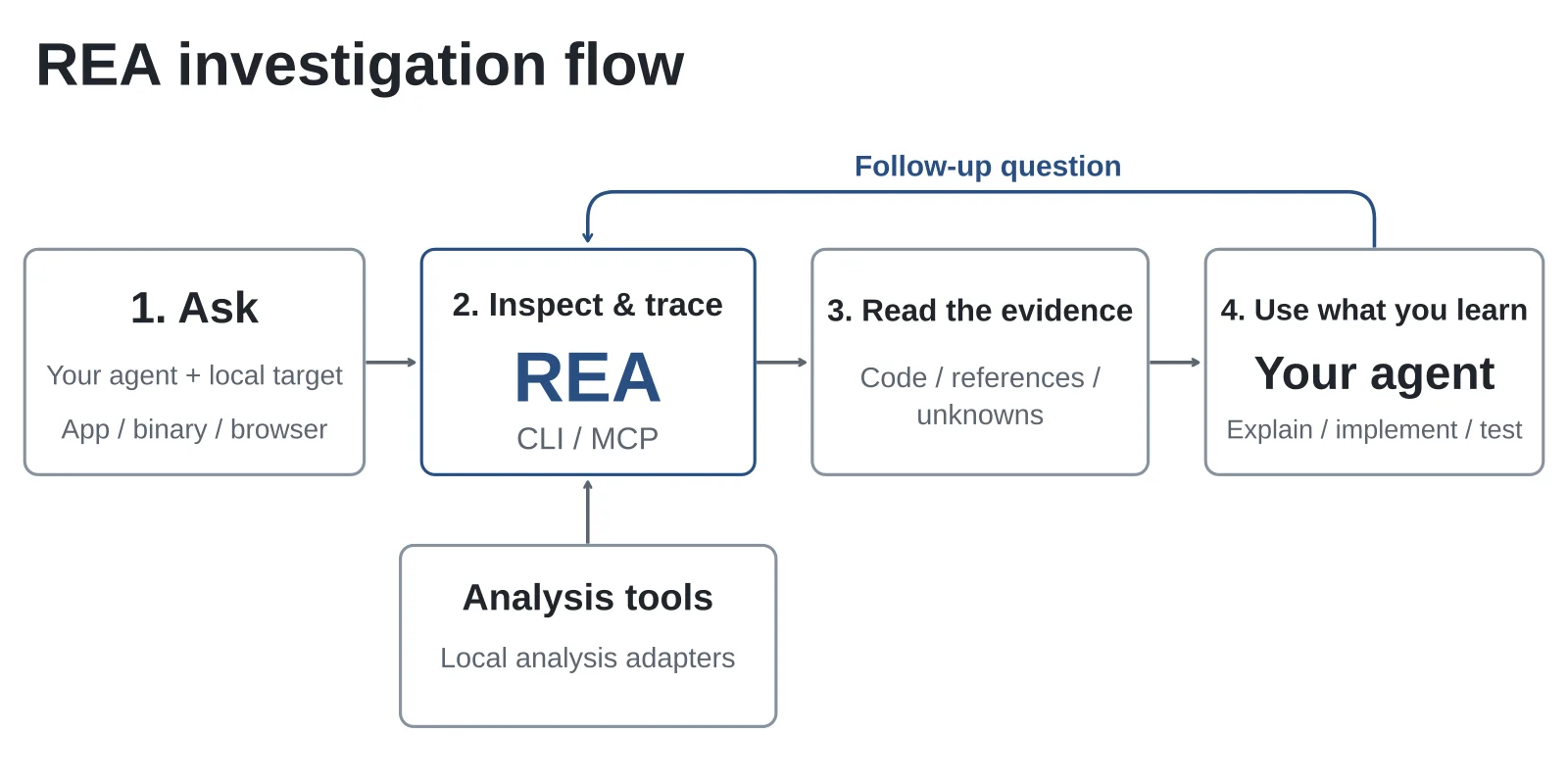
The investigation loop, from the project's own docs.
You ask something like "understand how search works in the Notes app, show me the evidence, and build a similar feature for my project." The agent calls REA's tools to inspect the app and trace the relevant code. REA sends back what it found, together with where it found it and what it couldn't figure out. The agent uses that to explain the behavior, ask follow-up questions, or write and test an implementation.
The part I like is the evidence. Agents are great at sounding sure. REA's results are built so every claim points at something: a decompiled function, a JavaScript module, a byte offset, a network request. There's also an explicit list of unknowns. So when the agent says "the search uses a trigram index", you can go look at the function it got that from instead of trusting it.
What you can point it at
The README has a table with about 35 rows, each linking to its own guide. The short version:
Native binaries (ELF, PE, Mach-O) give you pseudocode, assembly, strings, symbols and cross-references, through Hopper, Ghidra, IDA or Kuna. JavaScript and Electron apps give you modules, imports, source maps, routes and the IPC boundaries, with no engine needed. Android APKs go through headless JADX; APK signatures and Flutter apps are parsed statically. Websites are observed through a Chrome-family browser. HAR, SAZ and pcap files are parsed for requests, payloads, DNS and TLS SNI. Firmware goes through Binwalk or Unblob and then into native analysis.
Then the long tail: Go and Rust binaries (compiler version, modules, crate dependencies), .NET assemblies, PyInstaller executables, Unity IL2CPP metadata, Godot PCK archives, WASM, EVM bytecode, Erlang BEAM, Linux kernel modules, CUDA/HIP code objects, GGUF and safetensors model headers, SQLite databases, Apple .ips crash files and Linux core dumps. Most of those need nothing installed.
One thing to be clear about: static inspection reads files and never runs them. Process capture, the Android device tools, browser observation and the Electron runtime workflows do run the target, as your user. If you're looking at something you don't trust, do it in a VM.
The showcases
The project publishes case studies rather than demo videos, and they're the best way to judge it.
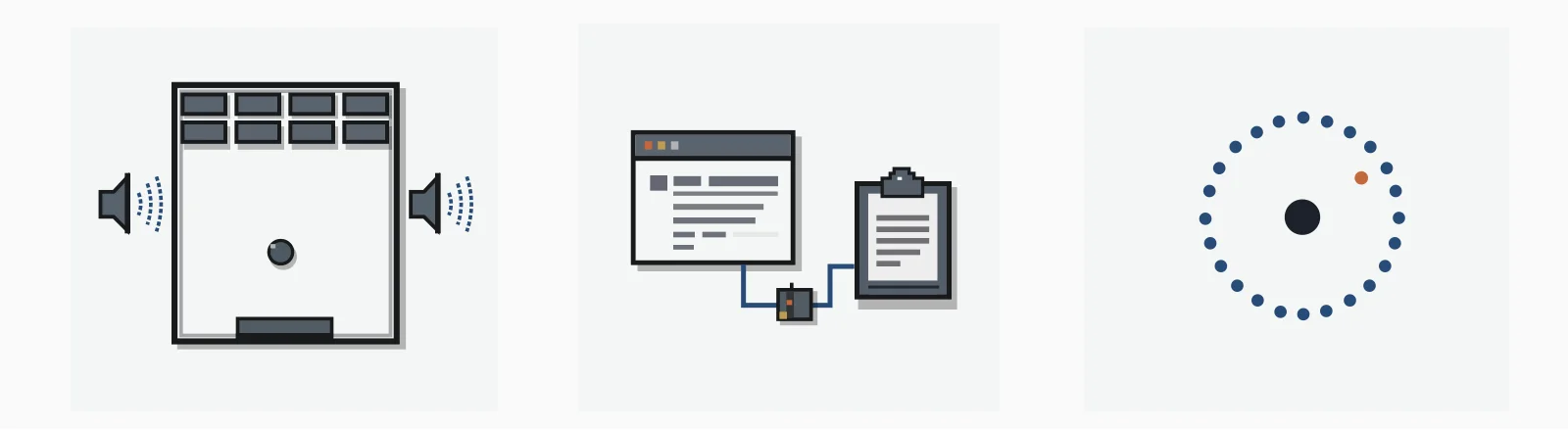
Left to right: DX-Ball, Notion, TH04.
In the DX-Ball one, the agent follows a sound call into the helper that turns ball position into a stereo pan value, reads the x86, and turns incomplete decompiler output into real C. The result was checked against 3,205 original cases and reproduces all 63 compiled bytes of the function. Not "similar behavior". The same function.
The Notion one needs no disassembler at all: REA's JavaScript analysis finds the renderer's clipboard API and follows it through the preload script and IPC into the main process. Anyone who has debugged Electron IPC by hand will appreciate that.
The third is TH04, a 16-bit PC-98 game from 1992, where the agent recovers the bullet-ring angle math from the original instructions via Ghidra's DOS support. Software preservation is one of the uses the project explicitly lists, and this is what it looks like in practice.
Trying it
You need Node.js 22, 24 or 26 and npm. Then:
npx rea-agents setupIt asks which agents you use, shows the config changes, backs up what's there, registers the MCP server plus a skill file with investigation instructions, and tells you to restart your agent. Run it from a trusted directory, not inside the project you're about to analyze.
For binaries you also need one engine. Ghidra is free and uses your existing install; setup can install Hopper for you after you approve; IDA, Kuna and JEB use whatever you already have, licensed. REA is blunt that it grants no licenses and that cracked copies and shared keys are not authorized use. For JavaScript and .NET targets you need nothing extra, so that's the obvious place to start.
The README says REA changes quickly and releases often, and the first answer to any bug report is "update first": rea update for a global install, npx rea-agents@latest setup otherwise.
On Linux, Ghidra, JADX, firmware tools and the static JavaScript analysis need a procps-compatible ps on the PATH. If you're in a minimal container, fix that first.
One more thing it does
Record a browser session against a web app, hand REA the HAR, and it turns the observed API into tools an agent can call, then exports a runnable sandbox. The sandbox replays recorded responses and only allows state changes the recording actually confirmed, so the real app never runs. The intended use is RL training and agent benchmarks. It has nothing to do with disassembly, and I suspect it ends up being one of the more used parts. Guide here.
Should you bother?
If you do CTFs, bug bounty on thick clients, Android assessments, or you've just wanted to know how some app does that one thing, yes. It doesn't make reverse engineering easy. It makes the boring 80 percent of it (launching the right tool, finding the function, dumping strings, chasing the import) something an agent can do while you think about the interesting 20.
Two cautions. With 400k stars come clones; the README warns that a lookalike repo name doesn't make a download official, so get it from morluto/rea, rea.tools or the rea-agents npm package only. And the legal side is on you. The stated scope is lawful research, education, interoperability, preservation, and software you own or are authorized to examine. REA gives you the evidence, not the permission.
Repo: https://github.com/morluto/rea (MIT license) ·
Docs: installation, CLI and evidence, MCP contracts ·
Site: rea.tools



Comments (0)