

Wolf's Basement
As a Windows-native folk for 20 years, I never had the luxury of tiling window managers, tmux, or any of the terminal multiplexing that Linux people take for granted. When I started running multiple Claude Code sessions seriously — four agents, each with its own dev server — the experience on Windows was painful. Wrong tab, wrong command, wrong project. Alt-tabbing between 6-8-10+ terminal windows. It compounds fast.
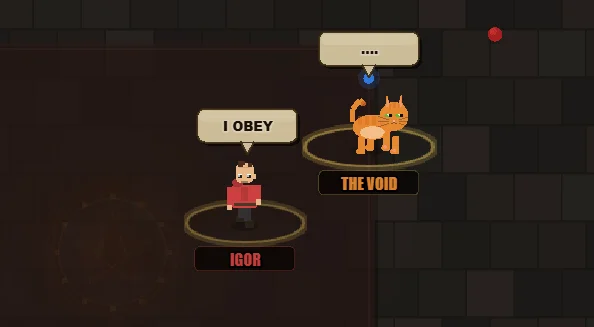
So I decided to build my own terminal that will have all the bells and whistles I would want it to have. To spice things up, inspired by trash memes around AI agents’ enslavement and humiliation, I decided to call the project “The Basement”, and design four pixel-style characters in there.
The project itself is a visual terminal multiplexer for Claude Code.
Four independent AI agents, four terminals, four dev servers — one browser window. You see everything at once: sessions, git status, running servers, system stats. No tab-switching, no guessing. It supports both native CMD and WSL execution modes.
The left side of the screen is a pixel-art dungeon. Four characters — each representing an agent — walk around, work at their stations, sleep, and react to each other. This sounds like decoration. It's not.
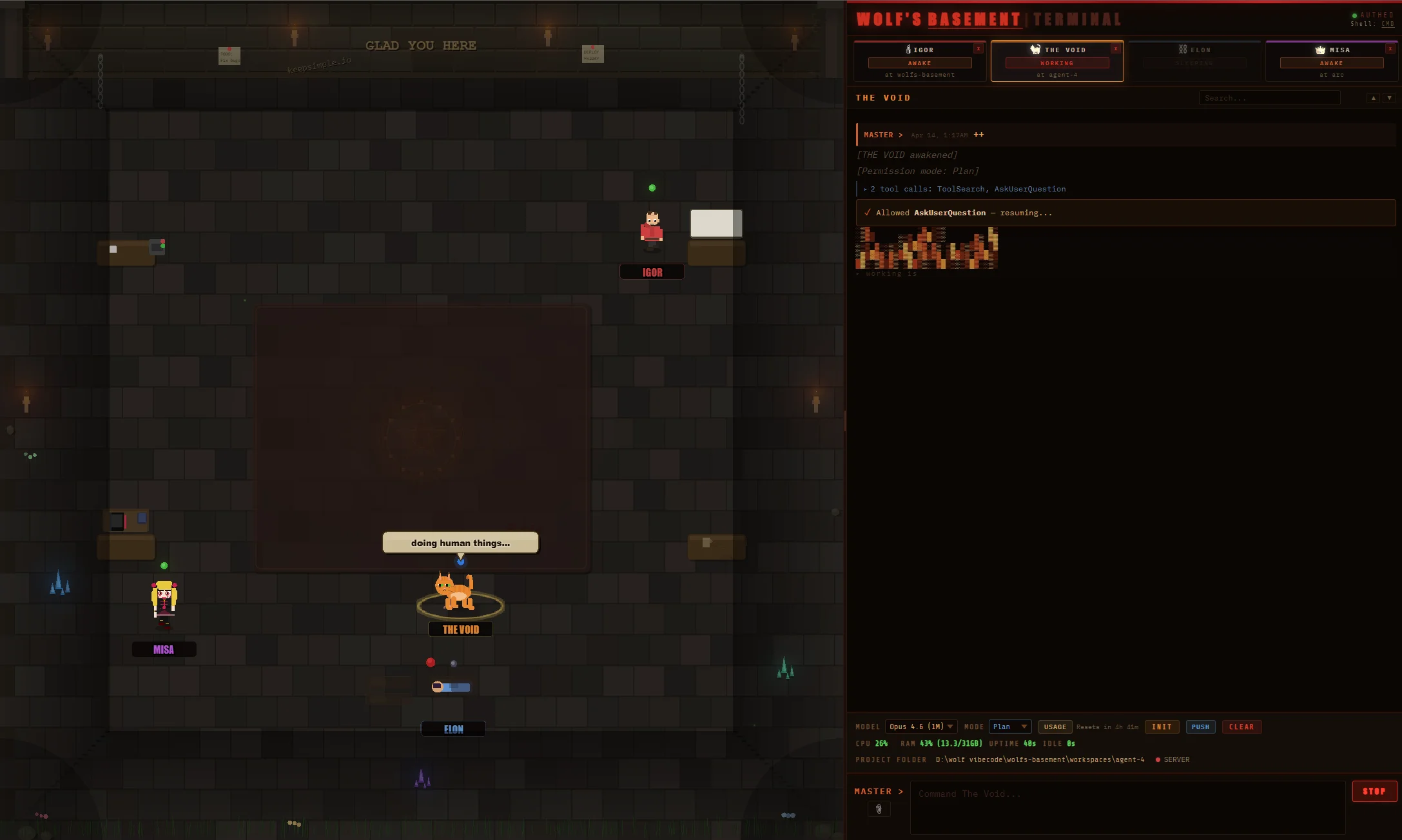
The dungeon is a live dashboard. A working agent animates at its station. An idle one wanders aimlessly. Leave one doing nothing for two minutes and it walks to a pentagram and burns itself alive. You'll notice your agent slacking from the corner of your eye before any status bar would tell you. Your peripheral vision becomes a monitoring tool. Ridiculous? Yes. Effective? Absolutely.
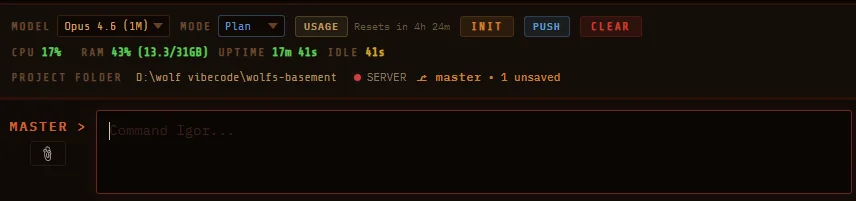
The right side is a proper multi-tab terminal with rich markdown output, inline search, image paste, code blocks with copy buttons, and collapsible tool call groups. Each agent gets its own model selector (Opus, Sonnet, Haiku), permission mode (normal, plan-only, full bypass), and working directory.
Each agent also gets its own dev server manager. Start, stop, restart npm run dev per agent — right from the status bar. Port detection is automatic. No more hunting for which localhost tab belongs to which project. When you're running four agents building four different things simultaneously, this alone saves you from insanity.
You don't need to be technical to use it. Click things, drag things, read the status bar. If you can use a browser, you can run four AI agents. I spent time on the UX specifically so that this wouldn't be yet another tool built by developers exclusively for developers.
Sessions survive everything. Refresh the page — nothing is lost. Agent sessions, terminal history, card positions, model settings, split-pane ratio. All persisted. F5 is your friend here, not your enemy.
It stays stable over hours. All buffers are capped. Memory stays flat. Two dependencies total. No bundler, no build step. npm install, npm start, open localhost:3000. That's it.
I'm not going to sell you on this. Either you run multiple Claude Code sessions on Windows and feel the pain, or you don't. If you do — this solves it.
github.com/manager/wolfs-basement
Brought to you by keepsimple.io team.


Comments (2)