

The shell plays a major role in the operating system, as it provides the interface through which the system is presented to the user.
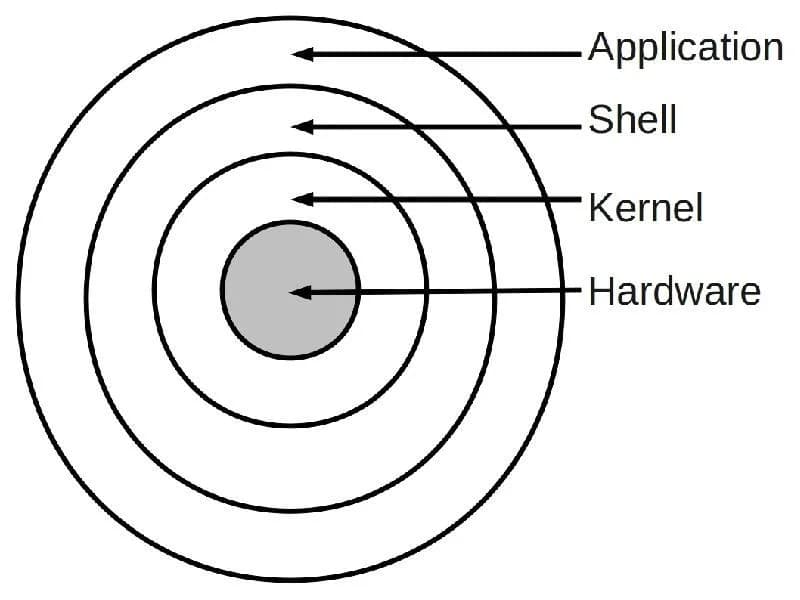
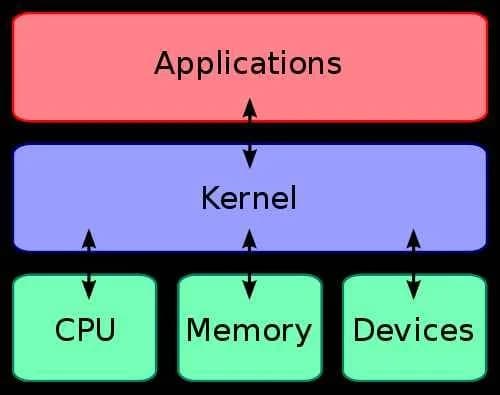
The shell is a piece of software that provides users with an interface to the operating system and grants access to kernel services. The name "shell" comes from the fact that it serves as the outer layer between the user and the inner workings of the operating system (the kernel).
The pros and cons of CLI-based versus GUI-based shells are often debated. Proponents of CLI argue that certain operations can be performed much faster through a CLI shell than through a GUI shell (such as moving files). GUI proponents, on the other hand, defend GUI shells by pointing to their relative ease of use and simplicity. The best choice often depends on how the computer is being used. On a server used primarily for data transfer and managed by expert administrators, a CLI is likely the better choice. On the other hand, a GUI would be more suitable for a computer used for editing images or videos and processing the kinds of data mentioned above.
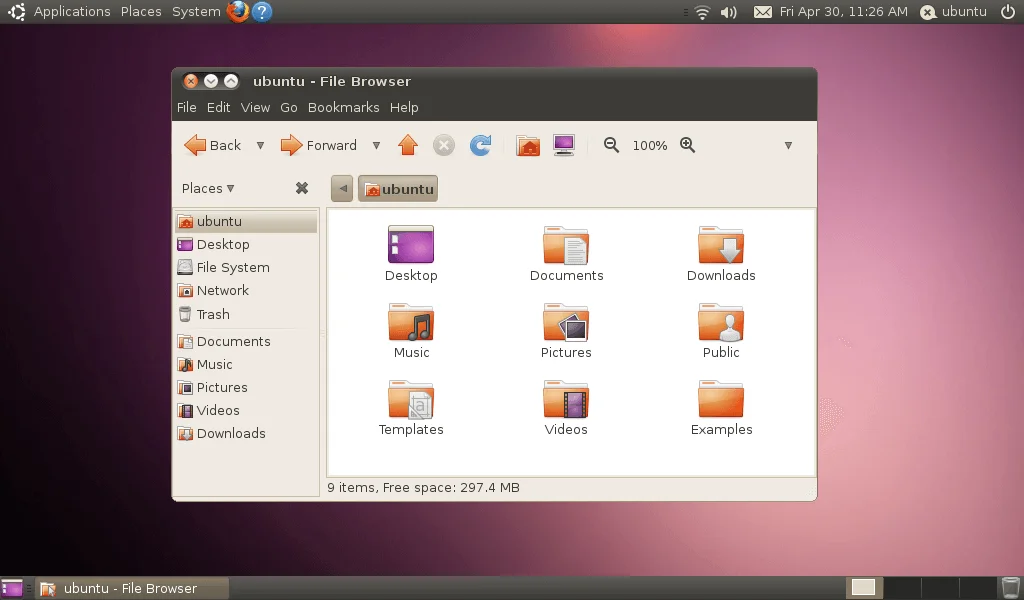
Graphical User Interface (GUI)
A graphical interface is a type of shell that allows people to interact with programs in ways beyond typing — for example, computers, phones, handheld devices such as MP3 players, portable media players, or gaming devices, as well as household appliances and office equipment, which are controlled through images rather than text commands. A GUI offers graphical icons and visual indicators, in contrast to text-based interfaces, where actions are typically carried out through direct manipulation of graphical elements.
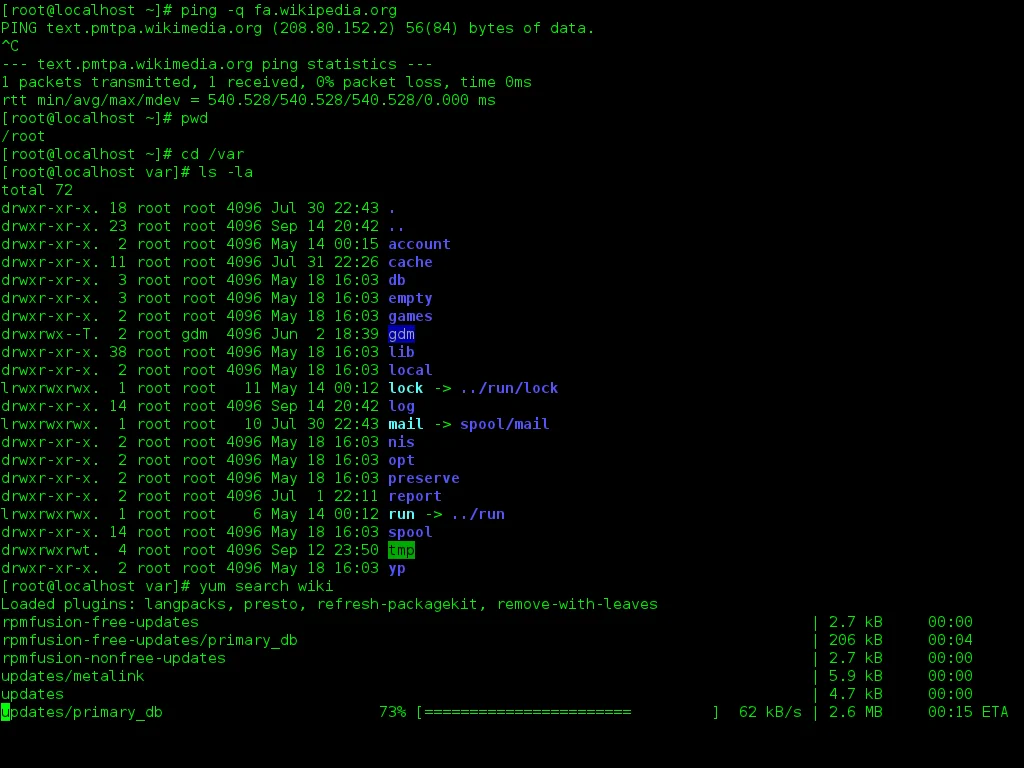
Command Line Interface (CLI)
A CLI is a mechanism for interacting with a computer's operating system or programs by typing commands to perform specific tasks. Unlike a graphical interface, this text-based interface does not use a mouse pointer for clicking on options; instead, in a text-based interface (TUI), the "Enter" key (a descendant of the "carriage return" key from typewriter keyboards) is used to select an option.
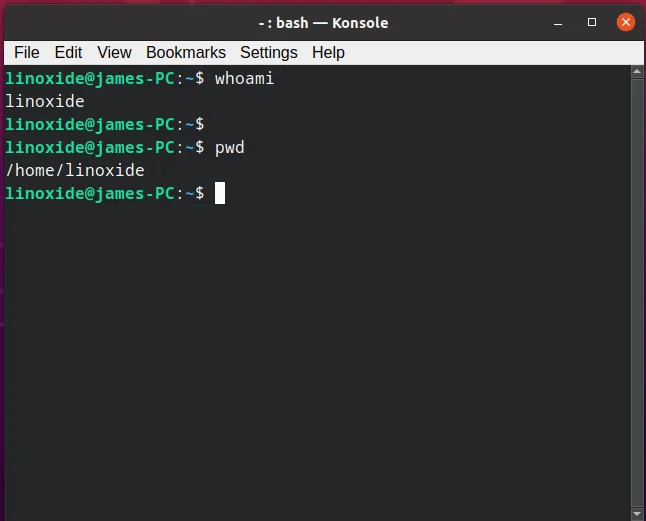
After typing a command, the system waits for the user to finish entering the text command by pressing "Enter." The command-line interpreter then receives, parses, and executes the requested command. A CLI interpreter can run in a text terminal or in a terminal emulator window, acting as a client for a remote shell, such as PuTTY. Once execution is complete, the command typically returns output to the user in text form. This output may be a response if the command was a query, or otherwise a summary of the action performed.
CLIs are frequently used by developers and system administrators, in engineering and scientific environments, and by technically advanced personal computer users. CLIs are also common among people with visual impairments, since commands and feedback can be displayed via refreshable Braille displays.
Subscribe to our channels:
Կիբերանվտանգություն հայերենով - https://t.me/cybersecarm
Cyber security in English - https://t.me/cyberseceng
Кибер безопасность на русском - https://t.me/cybersecruss
#level2 #pentest13 #shell #gui #cli #terminal_emulator




Comments (0)